


 The TechQuilt
 Why Your iPhone Is Overheating
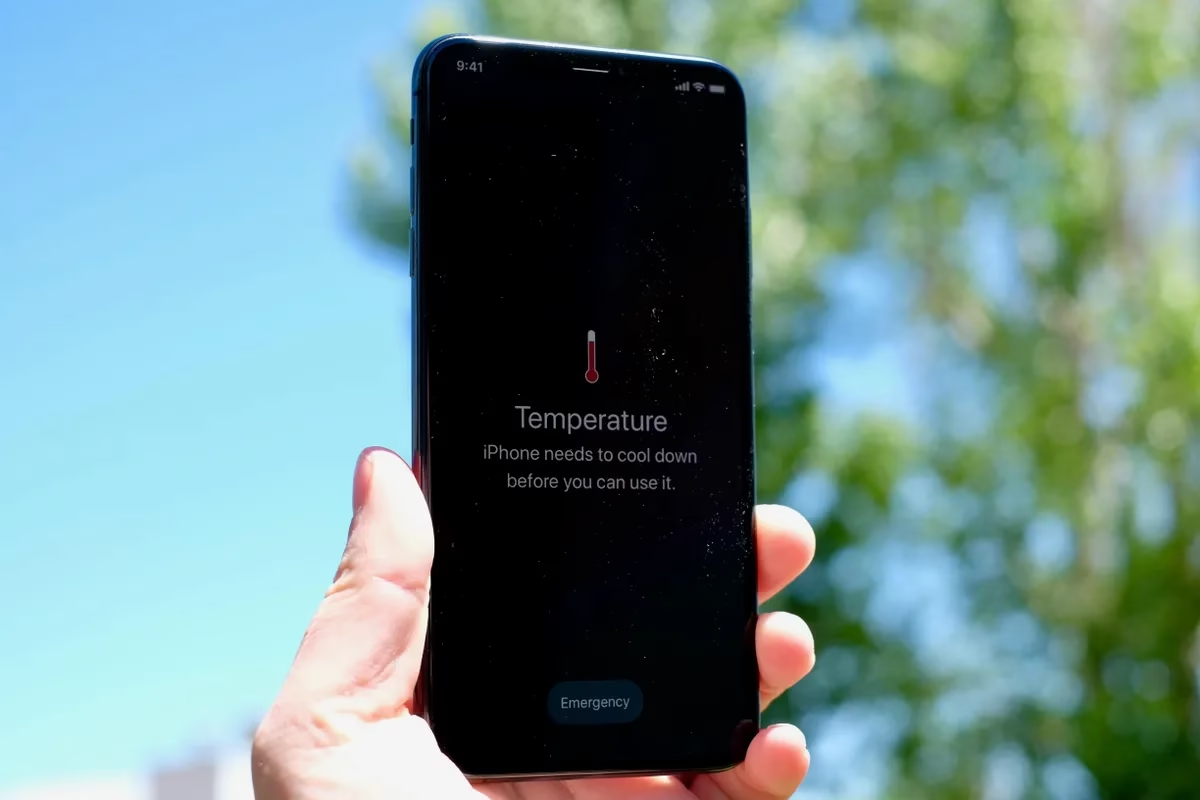
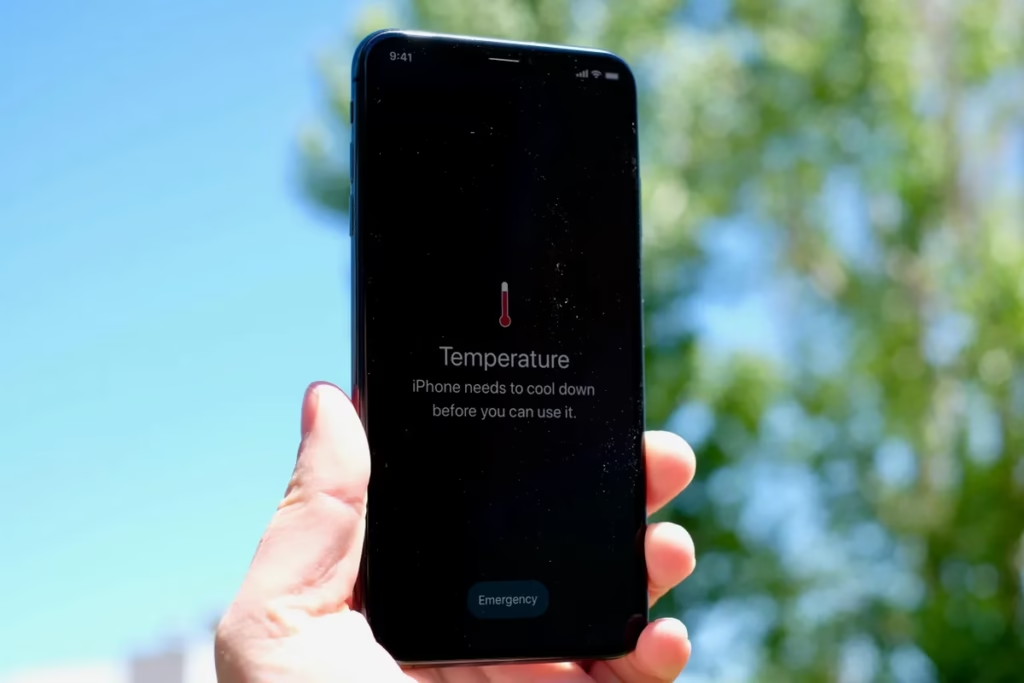
If you’re looking for an iPhone overheating fix, you’re not alone. Many users face this issue while charging, gaming, or even during normal usage. While slight warmth is normal, excessive heat can affect performance, battery life, and long-term device health.
In this guide, we’ll explain the main causes and share 7 easy iPhone overheating fixes that actually work.
Table of Contents
- Why iPhone overheats
- 7 easy fixes
- When to worry
- FAQs
Why Is Your iPhone Overheating?
Before fixing the issue, it’s important to understand what’s causing it:
- Heavy apps like games or video editing tools
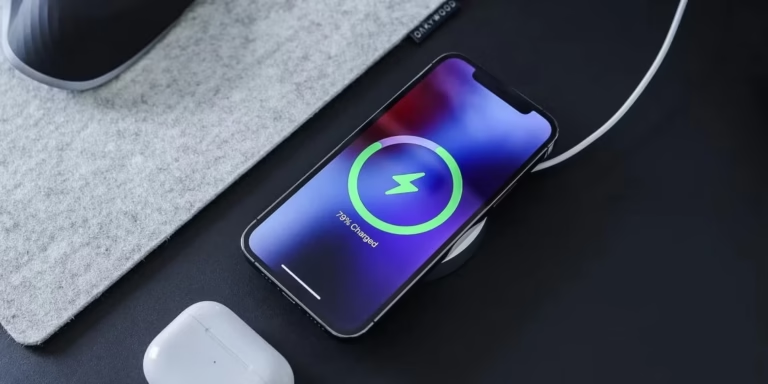
- Charging while using the phone
- Background apps consuming resources
- Poor network signal
- Software bugs after iOS updates
- High ambient temperature
If your battery is also draining quickly, check our guide on iPhone battery draining fast overnight fixes.
7 Easy iPhone Overheating Fixes
1. Stop Using Your iPhone While Charging
Using your phone while charging generates extra heat.
Fix:
- Avoid gaming, streaming, or video calls while charging
- Let the phone charge undisturbed
2. Remove the Phone Case
Some cases trap heat and prevent proper ventilation.
Fix:
- Remove the case while charging or during heavy usage
- Use heat-friendly cases if needed
3. Close Background Apps
Apps running in the background can overload your processor.
Fix:
- Swipe up and close unused apps
- Restart your phone to clear processes
4. Avoid Direct Sunlight and Hot Environments
External temperature plays a major role in overheating.
Fix:
- Keep your phone away from sunlight
- Avoid using it in very hot environments
5. Turn On Low Power Mode
Low Power Mode reduces background activity and CPU usage.
Steps:
- Go to Settings → Battery → Turn ON Low Power Mode
For better battery optimization, read our guide on how to improve iPhone battery life instantly.
6. Update iOS to the Latest Version
Software bugs can cause overheating issues.
Fix:
- Go to Settings → General → Software Update
- Install the latest stable update
If your update is stuck, check iOS update stuck fix guide.
7. Check Battery Health
A degraded battery can generate more heat.
Steps:
- Settings → Battery → Battery Health & Charging
If your battery health is dropping fast, read why iPhone battery health drops quickly.
When Is iPhone Heating Normal?
Your iPhone may get slightly warm during:
- Charging
- Gaming
- Video streaming
This is normal.
However, overheating is a problem if:
- The phone becomes too hot to touch
- Apps start lagging or crashing
- Battery drains rapidly
If your device is lagging, check iPhone slow or lagging fix guide.
Additional Tips to Prevent iPhone Overheating
- Avoid using cheap or duplicate chargers
- Keep your apps updated
- Restart your device regularly
- Turn off unnecessary features like Bluetooth or GPS when not in use
FAQs
Why does my iPhone get hot so quickly?
This is usually due to heavy apps, background processes, or poor network signal.
Is iPhone overheating dangerous?
Occasional heat is normal, but constant overheating can damage the battery and internal components.
Can overheating damage my battery?
Yes, prolonged overheating can reduce battery life and health over time.
Conclusion
iPhone overheating is a common issue, but in most cases, it’s easy to fix with a few simple adjustments. By following the steps mentioned above—such as avoiding heavy usage while charging, managing background apps, and keeping your device updated—you can significantly reduce heat buildup and improve overall performance. Small changes in daily usage habits can make a big difference in keeping your iPhone running smoothly.
It’s also important to pay attention to your surroundings and charging accessories, as factors like high ambient temperature or low-quality chargers can contribute to overheating. Regularly checking your battery health and optimizing settings will help maintain your device’s efficiency over time.
If the problem continues even after trying all the fixes, it may be a sign of a deeper hardware issue. In that case, it’s best to check your battery health or consult a professional for further inspection. Otherwise, these solutions should help keep your iPhone running cool, stable, and efficient in everyday use.